Yangzhou Kangcheng Power Equipment Co., Ltd.
Wholesale genset diesel generator Manufacturer2026-11-13
Content
At 2:14 a.m., a cold-storage controller reboots twice, a conveyor motor growls, and the lights dim but do not go out. That is often brownout electricity: the grid is still energized, but voltage has fallen below the level equipment needs. The practical conclusion is simple: treat a brownout as a power-quality event, not a minor blackout. A brief outage stops production; a deep or repeated voltage sag can overheat motors, drop contactors, corrupt control cycles, and leave a generator or automatic transfer switch as the only reliable ride-through.
A brownout is a sustained reduction in supply voltage, usually from a few percent to more than 20% below nominal, lasting seconds, minutes, or hours. A blackout is a complete loss of supply. A short voltage sag may last only a few cycles, but the response plan should still start with the same question: which loads must stay online, and for how long?
Induction motors are the first warning. Torque falls roughly with the square of voltage, so a 15% drop can cut running torque by about 28%. The motor draws more current to carry the same mechanical load, windings heat up, and protection may trip. A 10% undervoltage on a fully loaded motor can push current above nameplate, which is why repeated brownouts shorten motor life even when no fuse blows.
Controls behave differently. Contactors may chatter, variable-frequency drives may trip on DC-bus undervoltage, PLCs may reset, and power supplies may hold output until they suddenly drop out. In a 230/400 V system, equipment that tolerates 10% may still misoperate at 207/360 V if the sag is unbalanced or repeated. On 120 V circuits, 108 V is already a 10% drop. Sensitive loads need ride-through, not repeated reset attempts.
Brownouts usually come from an imbalance between demand and available supply, or from a fault that lowers voltage on a feeder. Common triggers include summer peak demand, generation shortfalls, planned utility voltage reduction, load shedding, transformer or cable faults, storm damage, and heavy motor starting nearby. A utility may lower voltage by a few percent to shave peak load; a fault or overloaded feeder can produce a much deeper sag.
Duration matters. A switching event may clear in cycles; a capacity shortfall can last hours. Rolling brownouts rotate the stress across feeders, so a site may see several shallow events rather than one deep one. That pattern is hard on refrigeration, pumps, elevators, and production lines because each event adds a start-stop cycle.
The labels overlap in conversation, but the response differs. Use duration, voltage level, and visible symptoms to choose between ride-through, transfer, and shutdown.
| Event | Supply condition | Typical duration | Operational response |
|---|---|---|---|
| Voltage sag | Short drop, often 10-30% below nominal | Cycles to a few seconds | UPS ride-through; check controls; avoid nuisance trips |
| Brownout | Sustained undervoltage | Minutes to hours | Reduce noncritical load; start backup generation; protect motors |
| Blackout | Complete loss of supply | Minutes to days | Open main breaker; transfer to generator; follow shutdown plan |
If voltage is unstable but present, do not assume the transfer switch should wait for a full outage. Some sites need undervoltage or underfrequency triggers; others need a UPS to bridge until a generator is stable.
Start with phase-to-phase and phase-to-neutral voltage at the service entrance, not at a convenience outlet. Log the event for at least several minutes. Check whether the drop is balanced across phases, whether frequency moves, and whether it repeats at the same time of day. A balanced sag points to the utility; a single-phase drop points to a blown fuse, loose neutral, or local feeder problem.
During the event, stop automatic restarts on high-inertia loads. Repeated starts at low voltage draw high current and can damage motors, compressors, and pumps. Shed noncritical loads, confirm that UPS batteries are healthy, and verify that the transfer switch is set to transfer only after the generator reaches stable voltage and frequency. Do not back-feed a utility service; use a proper transfer switch with mechanical interlock.
Use a UPS for the first seconds and a generator for the hours. A UPS protects controls, servers, and instrumentation from sags and transfers; a diesel generator carries motors, refrigeration, pumps, and HVAC once it is online. For sites where a brownout lasts longer than a few minutes, the practical design is UPS-backed controls plus a generator sized for the real load profile, not the nameplate total.
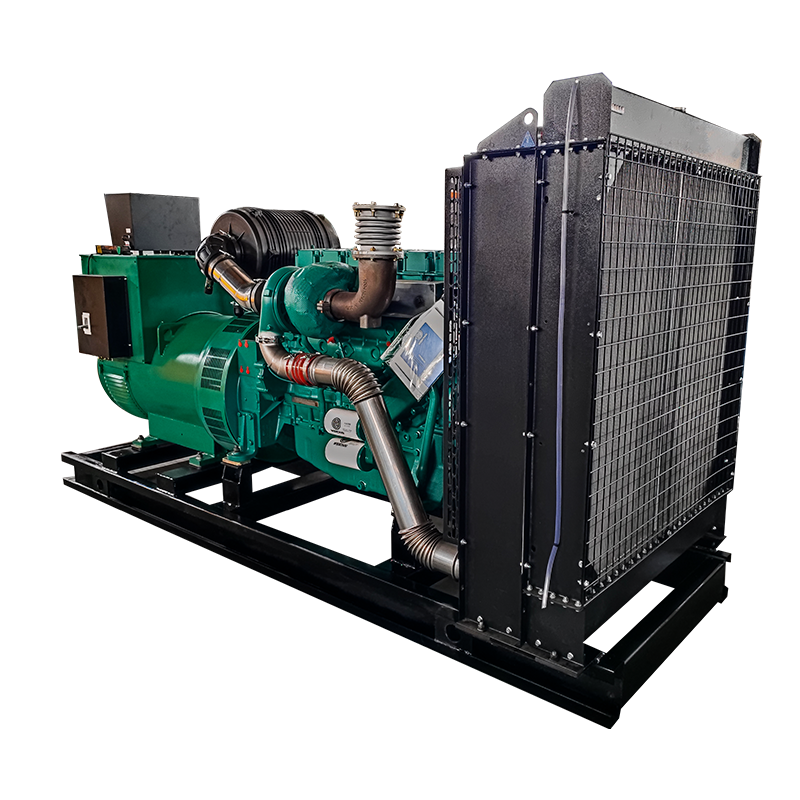
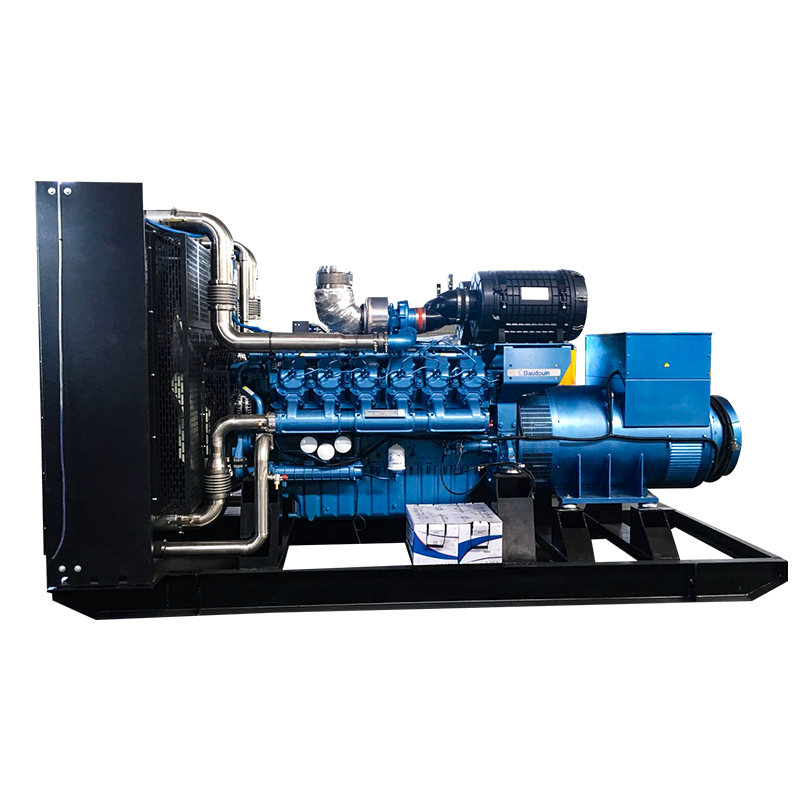
Sizing starts with the largest motor, not the sum of running kW. A 30 kW unit may be adequate for a small commercial site with controls, lighting, and one packaged motor, provided starting kVA and step loads are checked. For a mid-size production line or cold-storage facility, a 250 kW set is a more realistic starting point when several motors start in sequence and the site needs reserve capacity. Larger industrial or campus loads may move into the 800 kW range, where switchgear, paralleling, and fuel storage become part of the design.
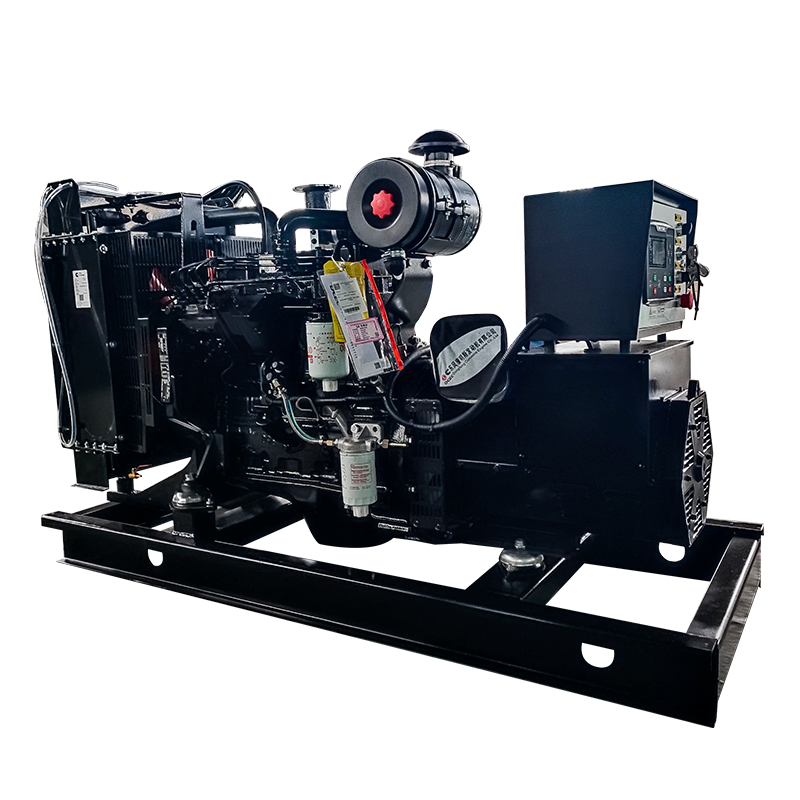 30 kW Dongfeng Cummins Diesel Generator SetRated 30 kW at 400/230 V, this set suits small commercial loads where starting kVA and step loads are checked before selection.View Product →
Before comparing models, write the load list: running kW, starting kVA, allowable voltage dip, and the sequence in which loads may restart. The generator set selection steps should be applied to the site, not to a brochure headline. A set that is too small will collapse under motor starting; one that is too large may run lightly loaded and wet-stack.
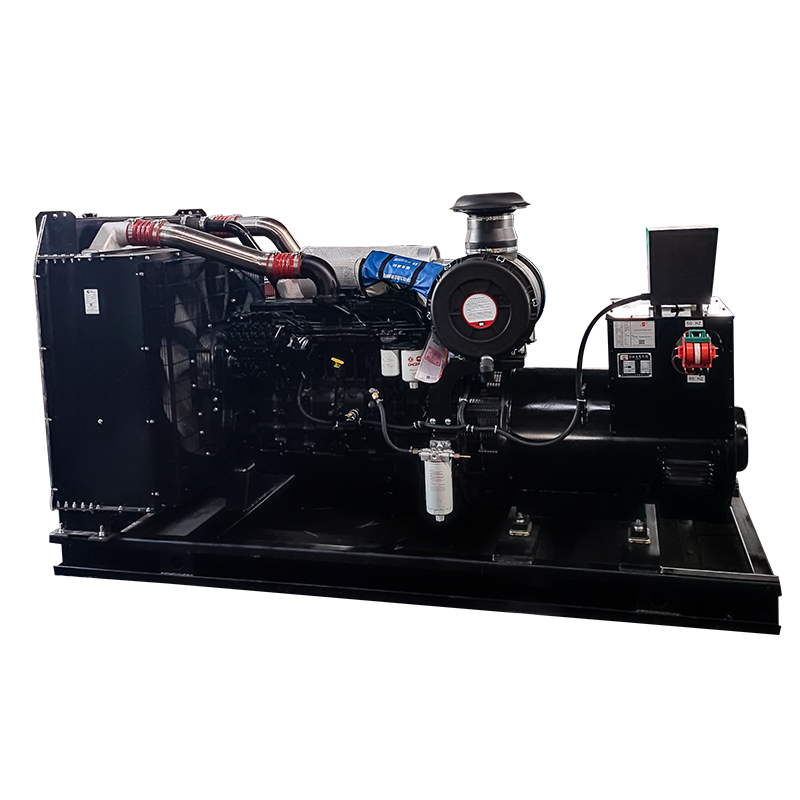 250 kW Dongfeng Cummins Diesel Generator SetRated 280 kW with a 6LTAA9.5-G1 engine, this set fits mid-size production or cold-storage loads needing reserve capacity and sequential motor starting.View Product →
For a larger facility, specify the transient voltage dip at the generator terminals, recovery time, and block-load acceptance. A common target is to keep transient dip within about 15% for motor starting and to recover to steady voltage quickly, but the equipment manufacturer's tolerance and the process sensitivity should set the final number.
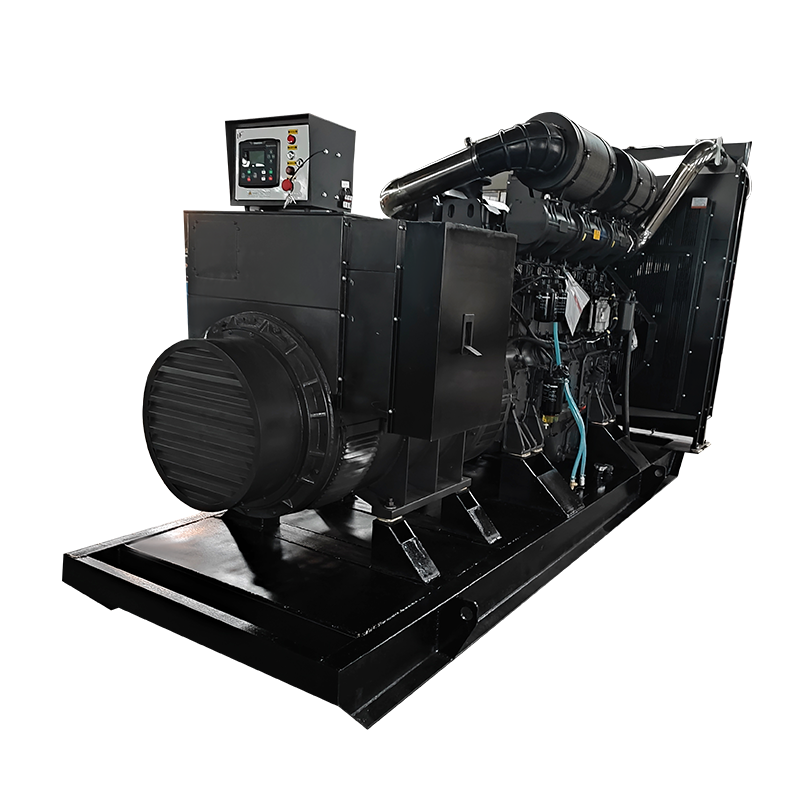 800 kW Shanghai Diesel Generator SetRated 800 kW at 400/230 V, this set is relevant for larger industrial or campus loads where switchgear, paralleling and fuel storage enter the design.View Product →
Use a checklist that links power quality to mechanical reality. The generator is only one part; the transfer scheme and load control decide whether the site rides through.
For existing sites, test the sequence twice a year: simulate a voltage sag, confirm UPS runtime, start the generator on load, and verify that controls do not drop out during transfer. A generator that starts but cannot accept load is not backup power.
Yes. Motors overheat, compressors trip, and electronics may reset or suffer power-supply stress. Damage is often cumulative rather than immediate, which is why repeated shallow brownouts deserve attention.
It can last from a few cycles to several hours. Utility load shedding or a capacity shortfall tends to produce longer events; a switching fault may clear quickly.
A UPS covers short sags and bridges the transfer to a generator. It is not a long-duration solution unless the battery bank and runtime are designed for the event.
Only through a proper transfer switch. The site should disconnect from the utility before the generator supplies load, and the transfer switch should confirm stable voltage and frequency before transfer.
Brownout electricity is a warning that the supply is present but not healthy. The useful response is a sequence: measure the event, protect controls with ride-through, shed noncritical load, and transfer to a generator that has been sized for motor starting and real site conditions. That approach costs less than replacing motors and production hours after a voltage event that everyone treated as a minor flicker.
Engineering Support Beyond the Generator

Whether you need standard generator sets or have complex engineering projects, our team can provide you with professional support.
Recommended
Experienced staff and experts are always available to provide you with professional guidance and solutions to technical problems.